
MIDI Map
 |
 |
 |
|---|
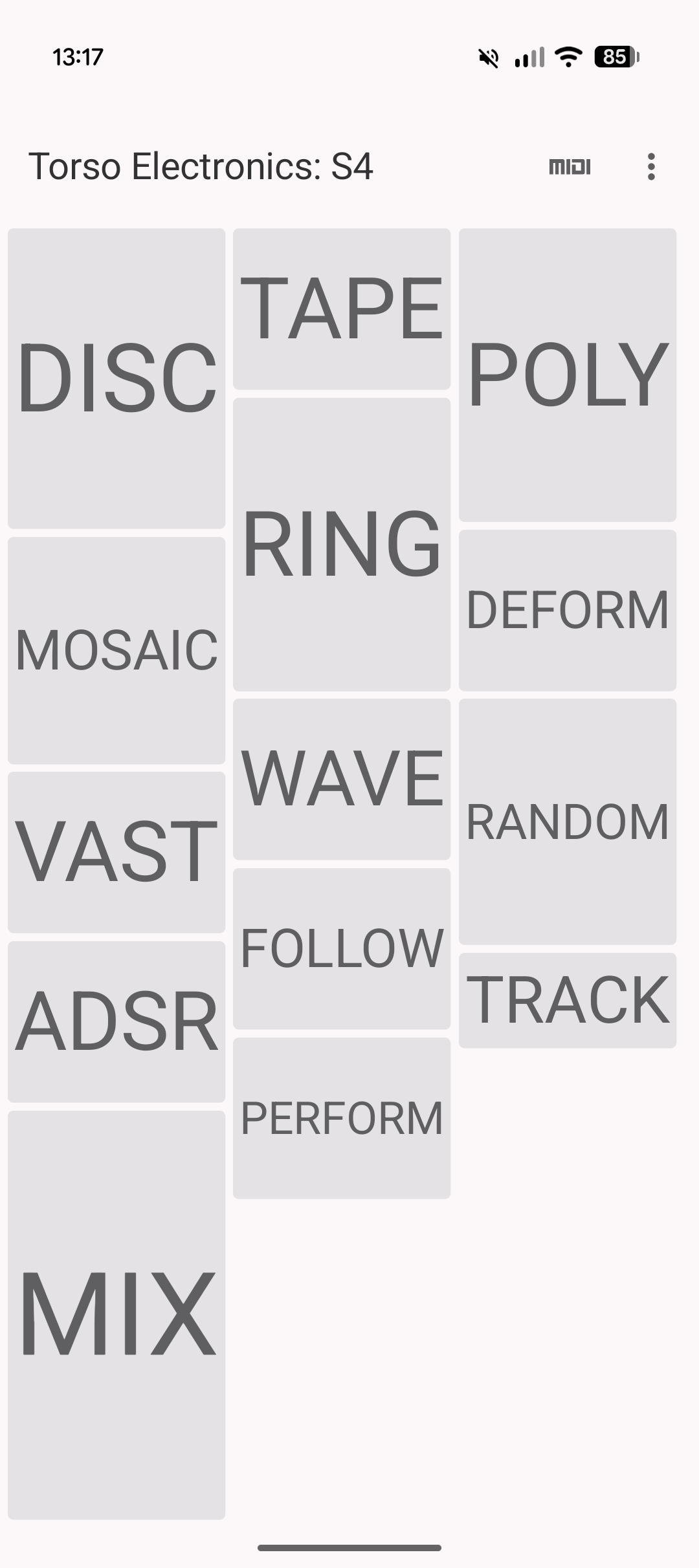
MIDI Map is an Android MIDI CC controller which uses CSV exports from MIDI Guide. Any file should load successfully and allow full control of hardware parameters over MIDI CC, both standard MIDI CC and MIDI trigger files (for drum machines and similar) are supported.
Download
Download on an Android device to install.
Note. Yorkshire Systems are registered with Google's new developer verification but you still might see a scary looking notice, it's safe to proceed and install.Standard CSV
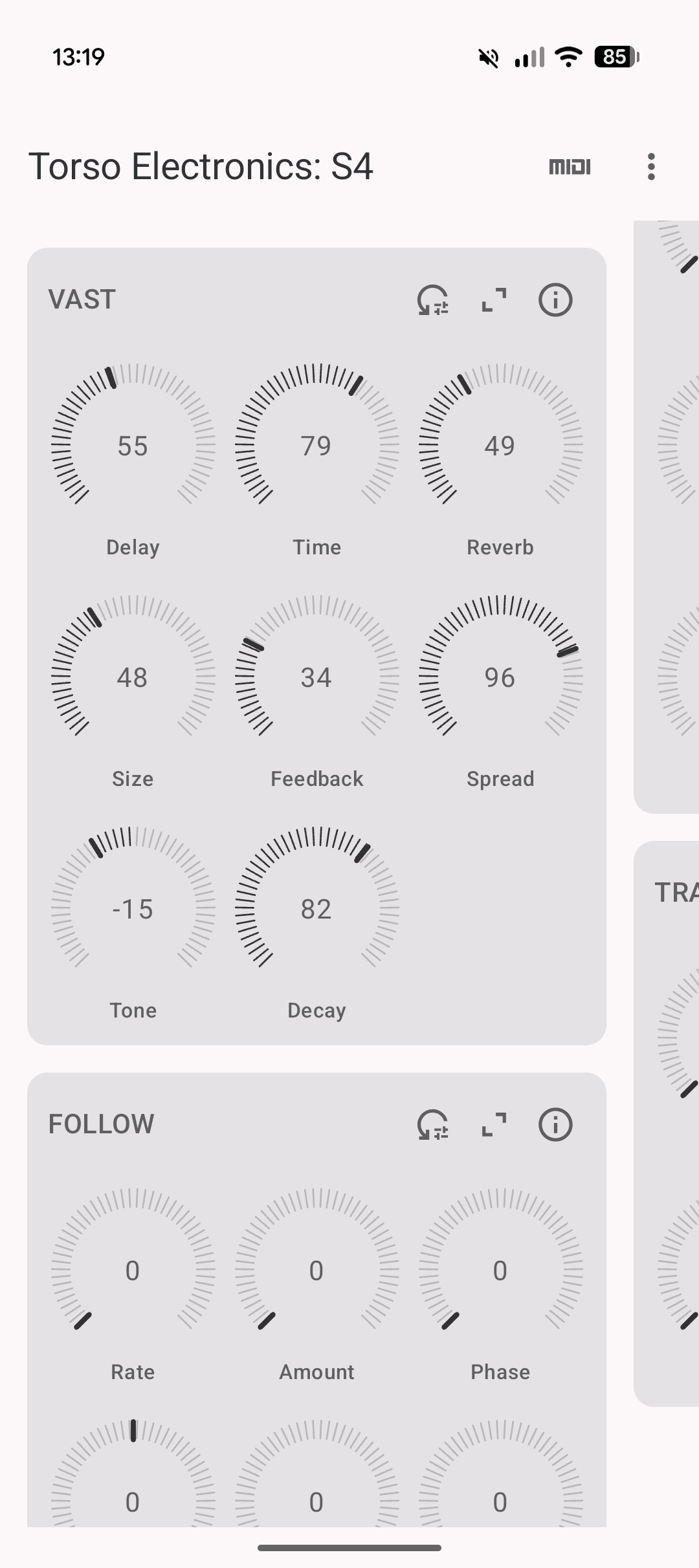
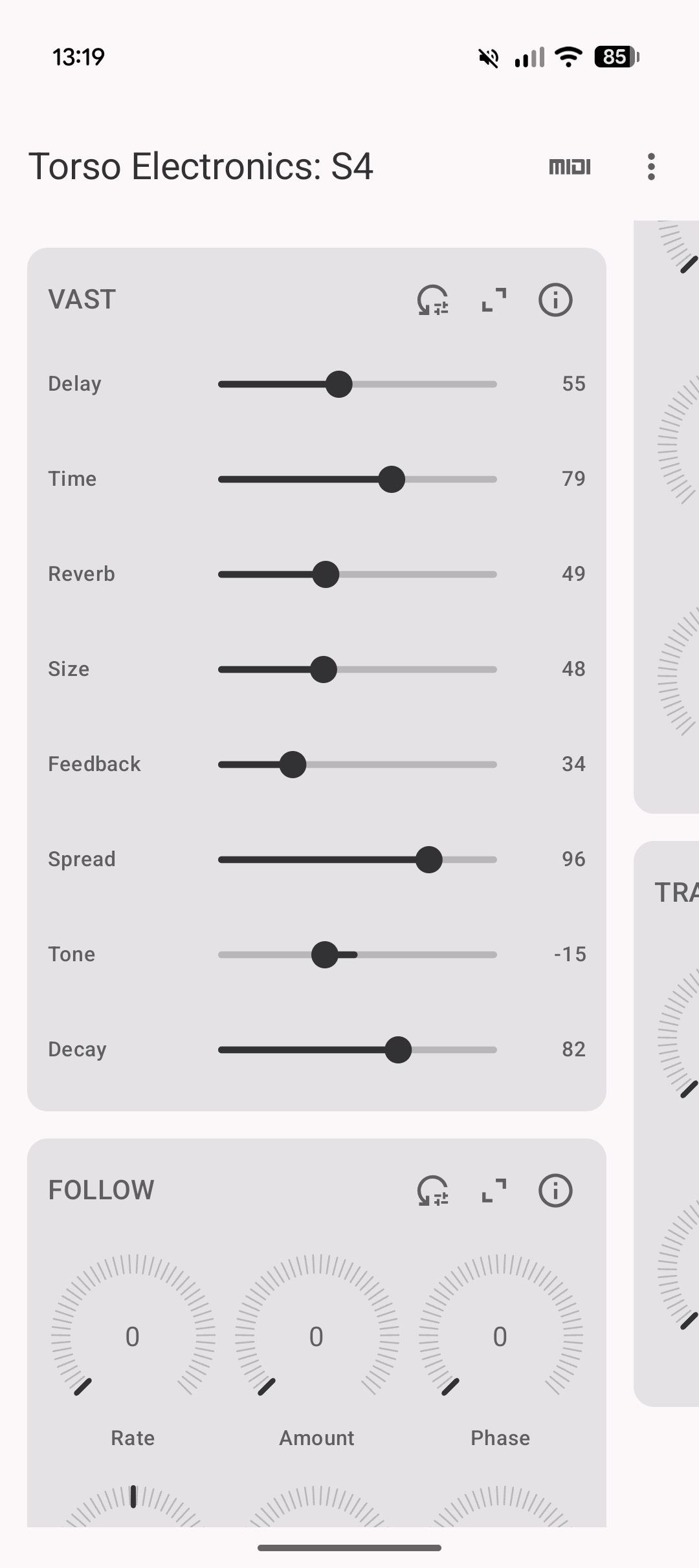
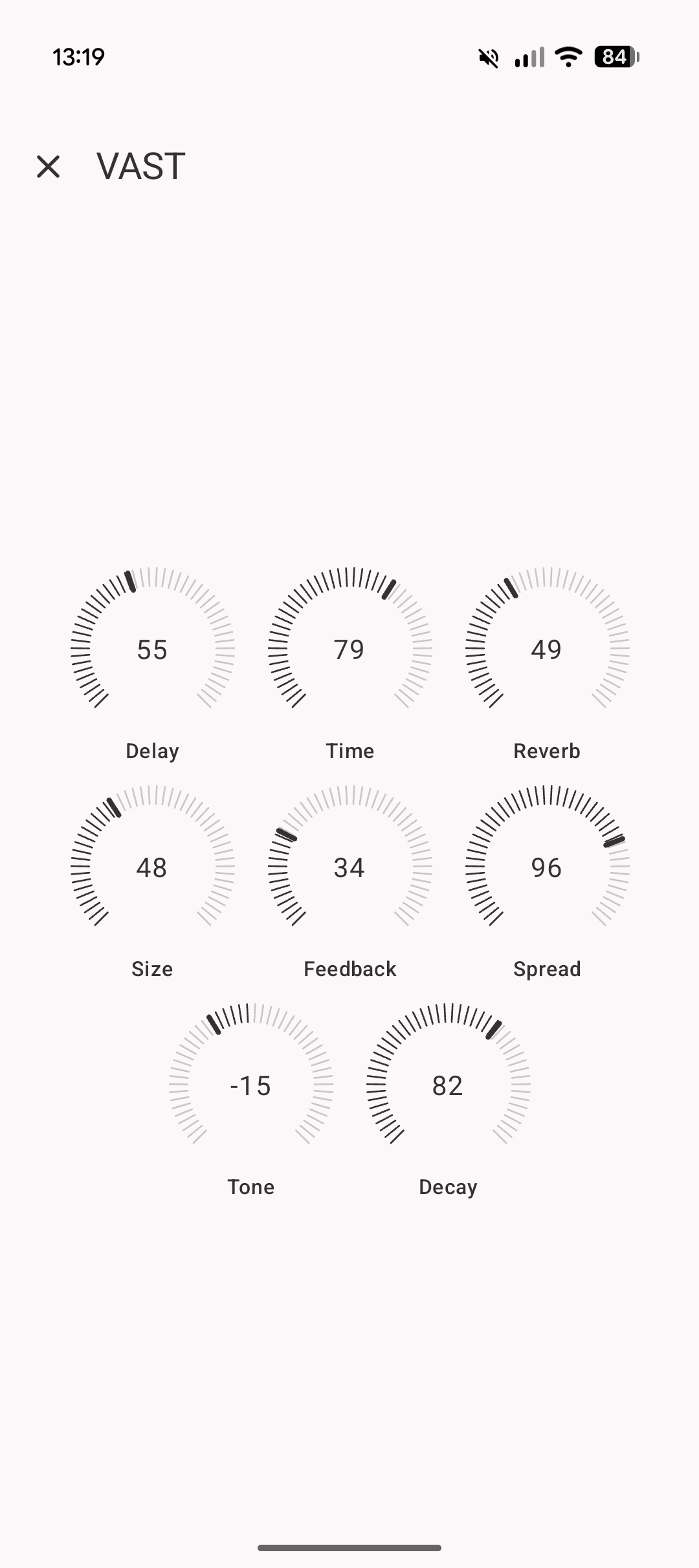
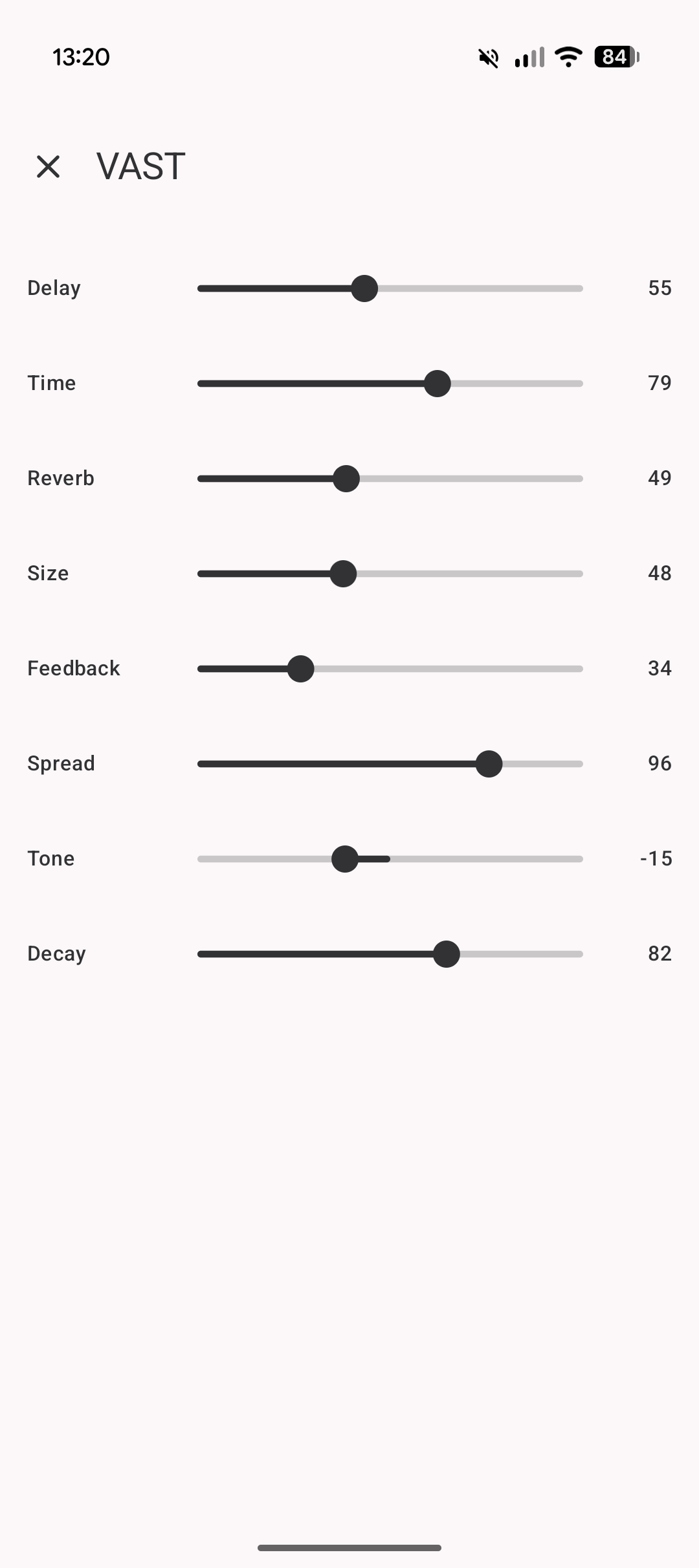
Most files on MIDI Guide are MIDI CC for controlling parameters on synth hardware. These are displayed in MIDI Map as sections with groups of rotary encoders (knobs, variable resistors) or basic sliders (vertical or horizontal) by tapping the icon in the section header.
|
|
| 
| 
| 
|
|---|
Trigger CSV
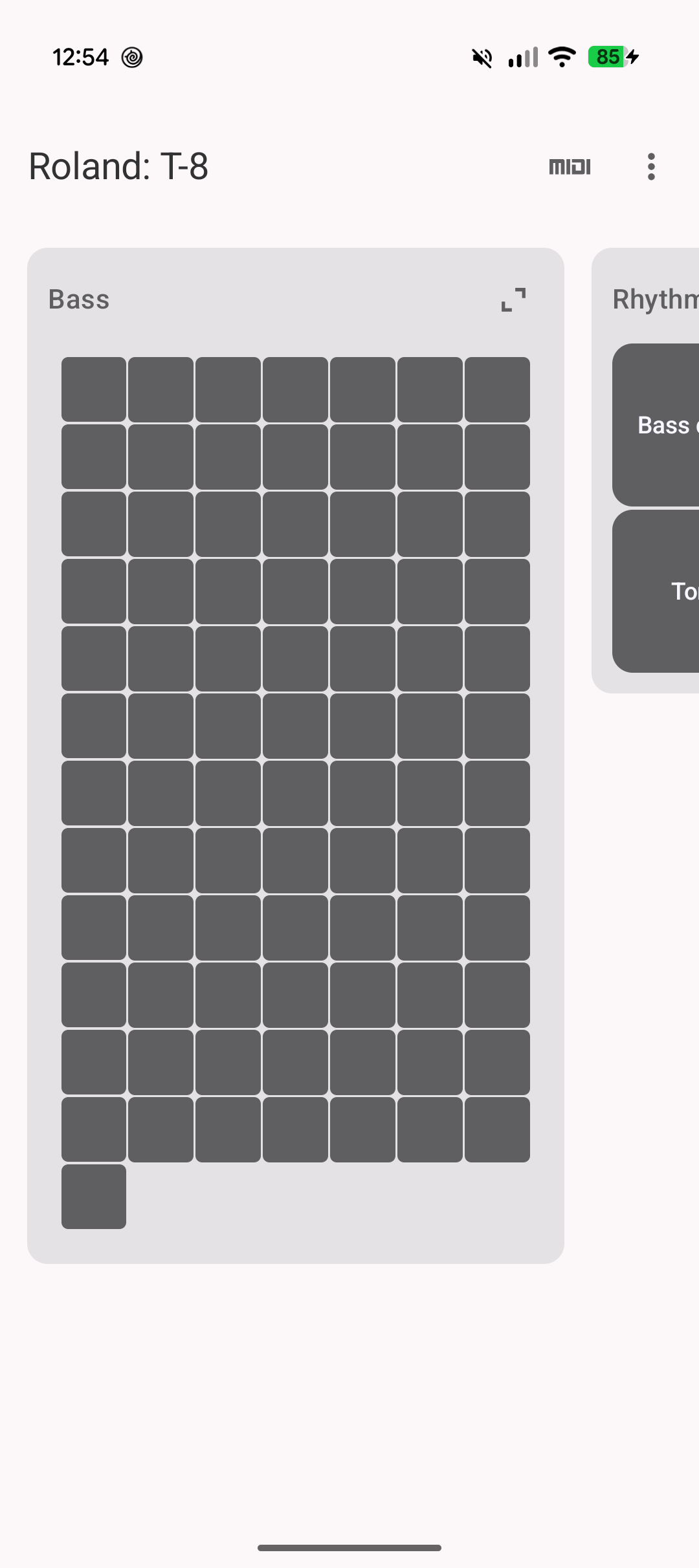
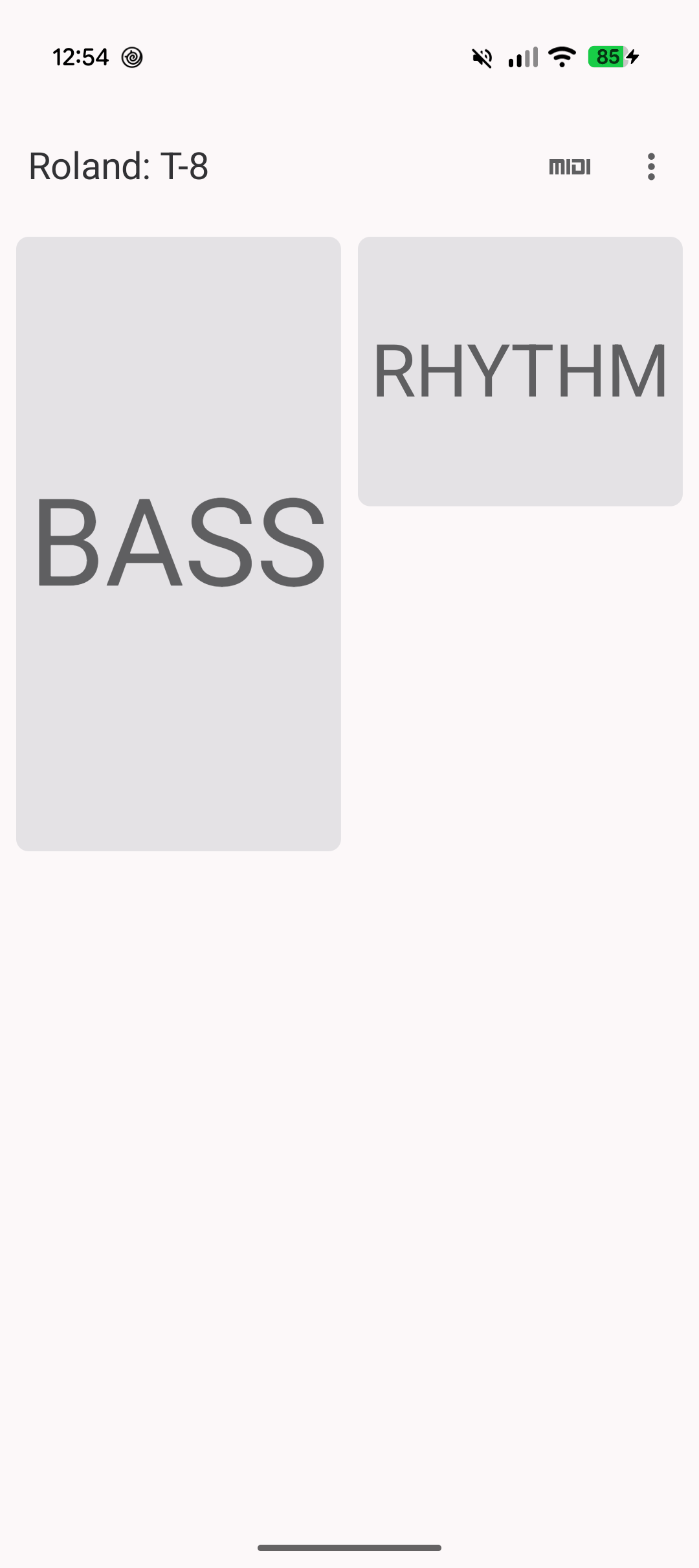
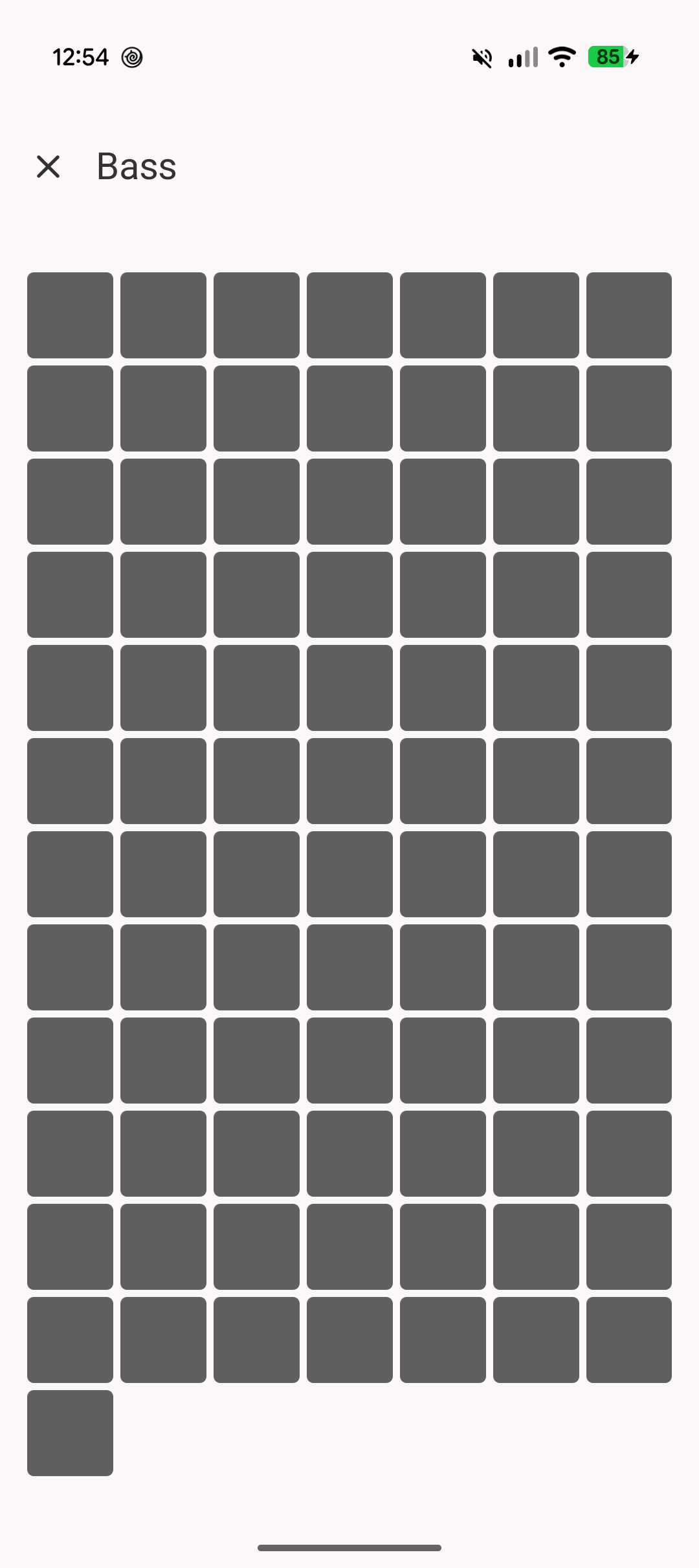
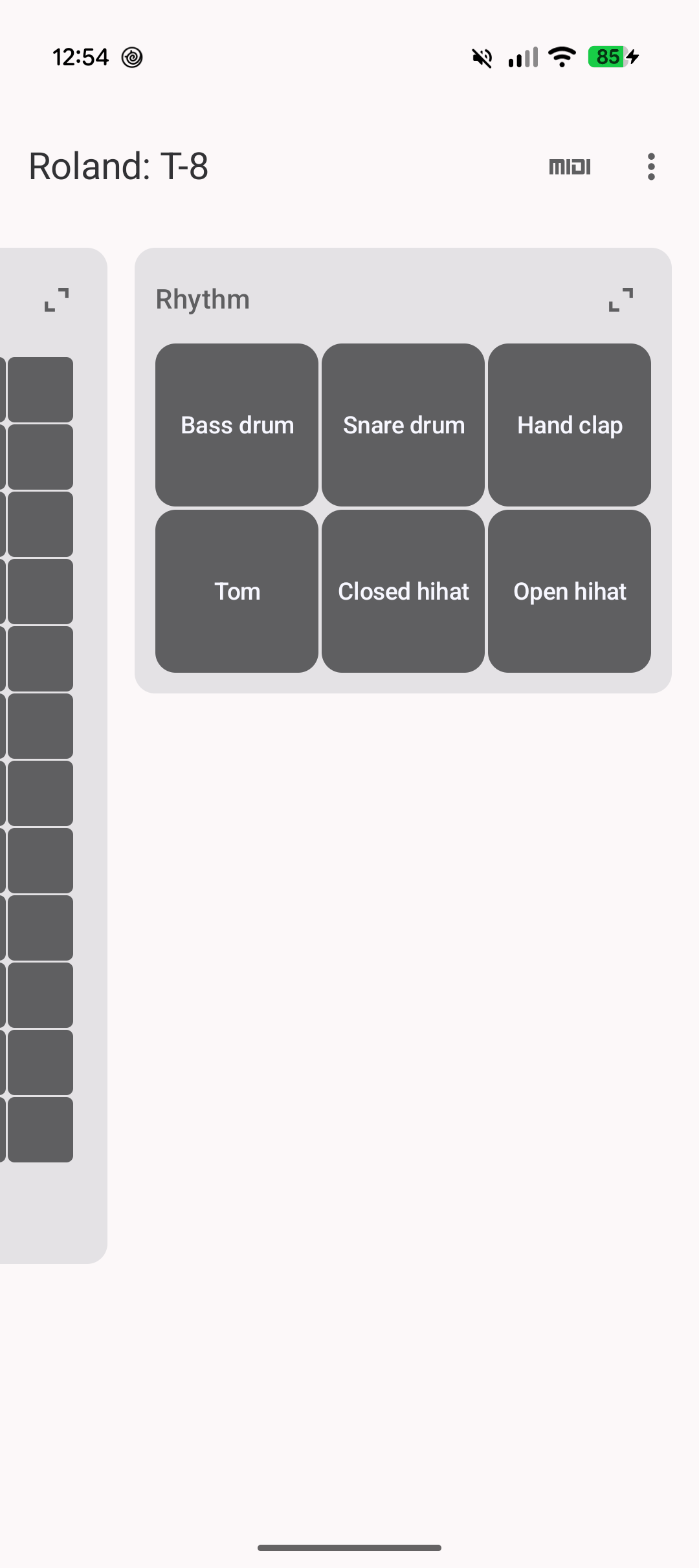
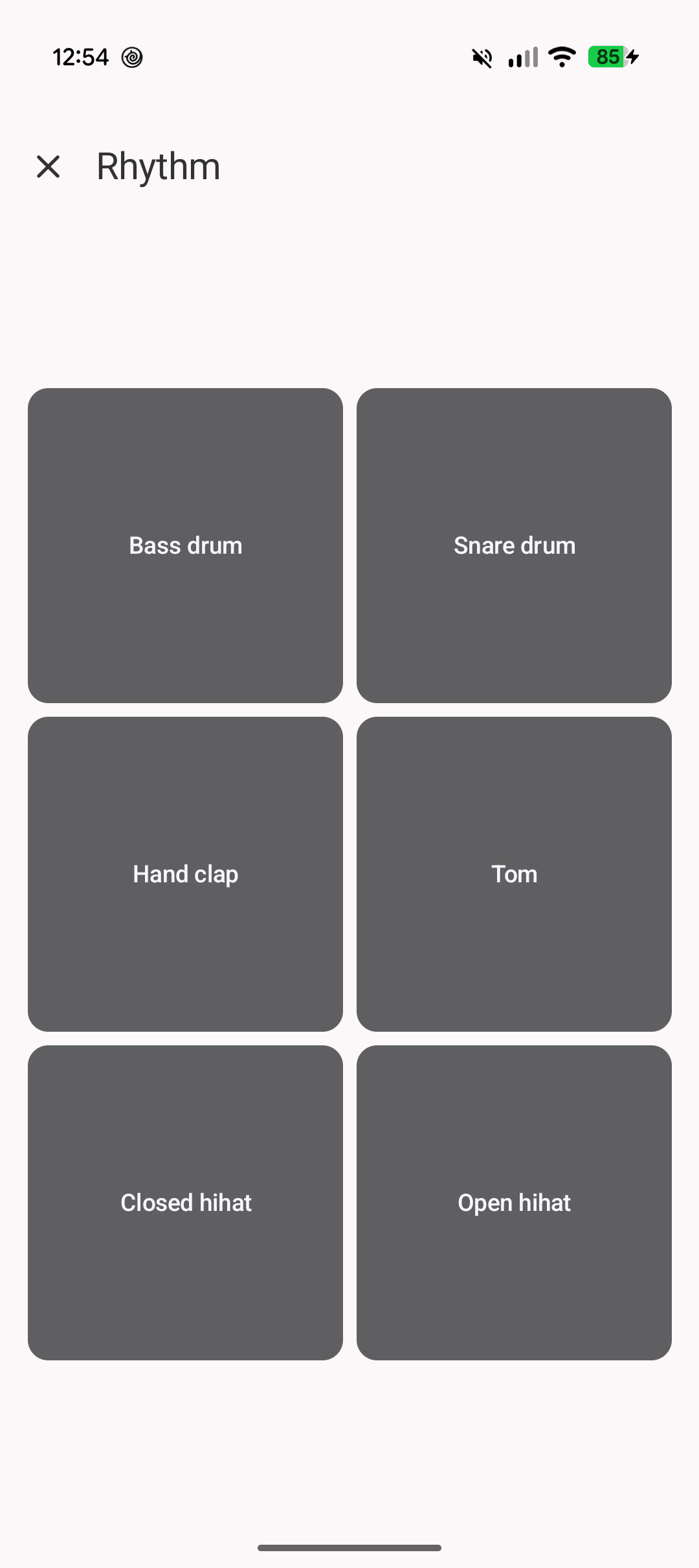
MIDI Guide also has a separate format for triggering drum machines, these files send note on/off MIDI commands and turn MIDI Map into an expressive drum pad controller.
|
| 
| 
| 
|
|---|
Usage
- On launch open a CSV file download from MIDI Guide.
- Tap the MIDI logo on the top toolbar to select a connected USB MIDI interface.
- MIDI CC files let you change sections controls between rotary encoders/knobs, horizontal sliders, and vertical sliders.
- Trigger files either display basic hit pads for one-shot notes with no range, or a note grid where the parameter has a MIDI note range available.
UI guide
- MIDI Map starts in the zoomed-in state, double-tap any where to zoom out.
- Single-tap on any section/group to zoom in again.
- Pinch and zoom gestures also work but the taps are easier and quicker.
- To change a rotary encoder/knob value it's easiest to start a swipe from the centre of the circle, otherwise you might end up dragging the workspace around.
- Each section has an icon top-right to expand into full-screen focus mode where only that secions controls are visible. In expanded/full-screen mode controls expand to fill the screen and there's no risk of mistakingly swiping the workspace instead of changing a value.
- Some files have parameter descriptions, tap the
iicon top right to get a dialog showing all descriptions within a section. - There's a settings dialog where you can change how many rotary encoders/knobs are displayed horizontally in a card, this is useful to change card width depending on screen aspect ratio.